Edit either side.
Use the visual page when you want to write naturally. Open source when you need exact Markdown control.
 MarkIOY
VISUAL MARKDOWN, LOCAL FIRST
Edit Markdown and see the rendered document immediately. Or edit the page directly, and MarkIOY updates the Markdown behind it. No syntax knowledge required.
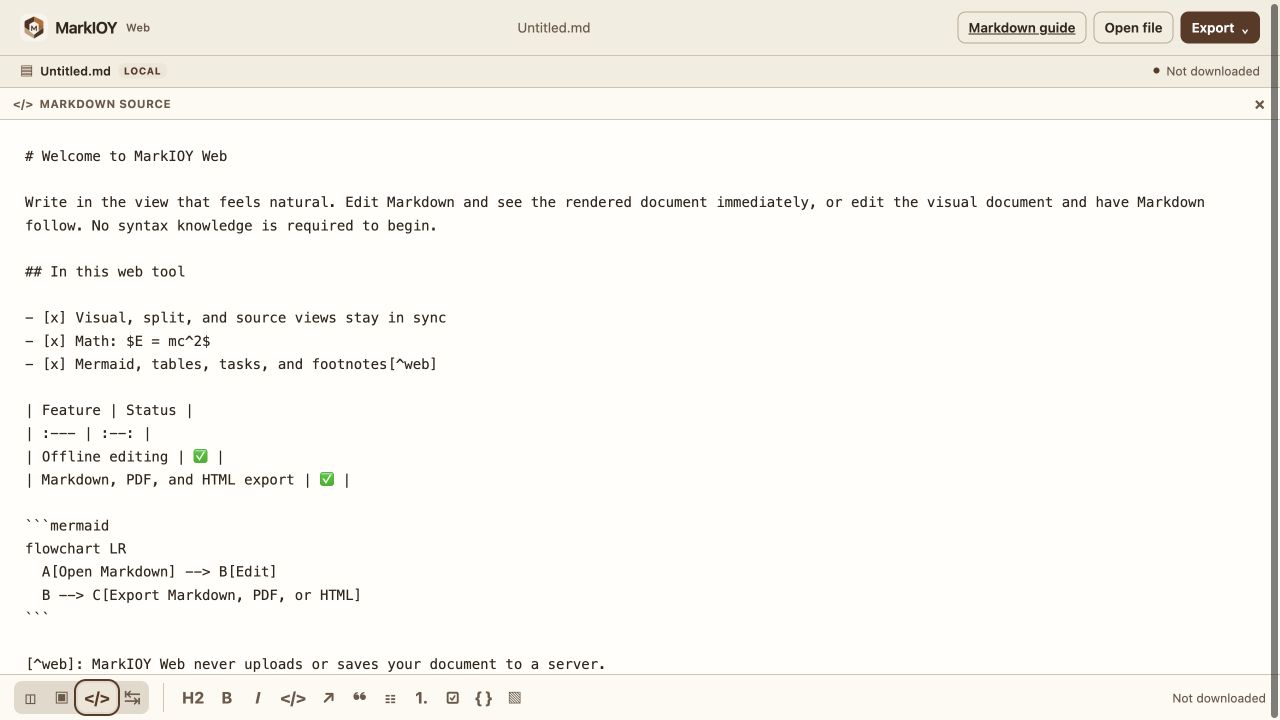
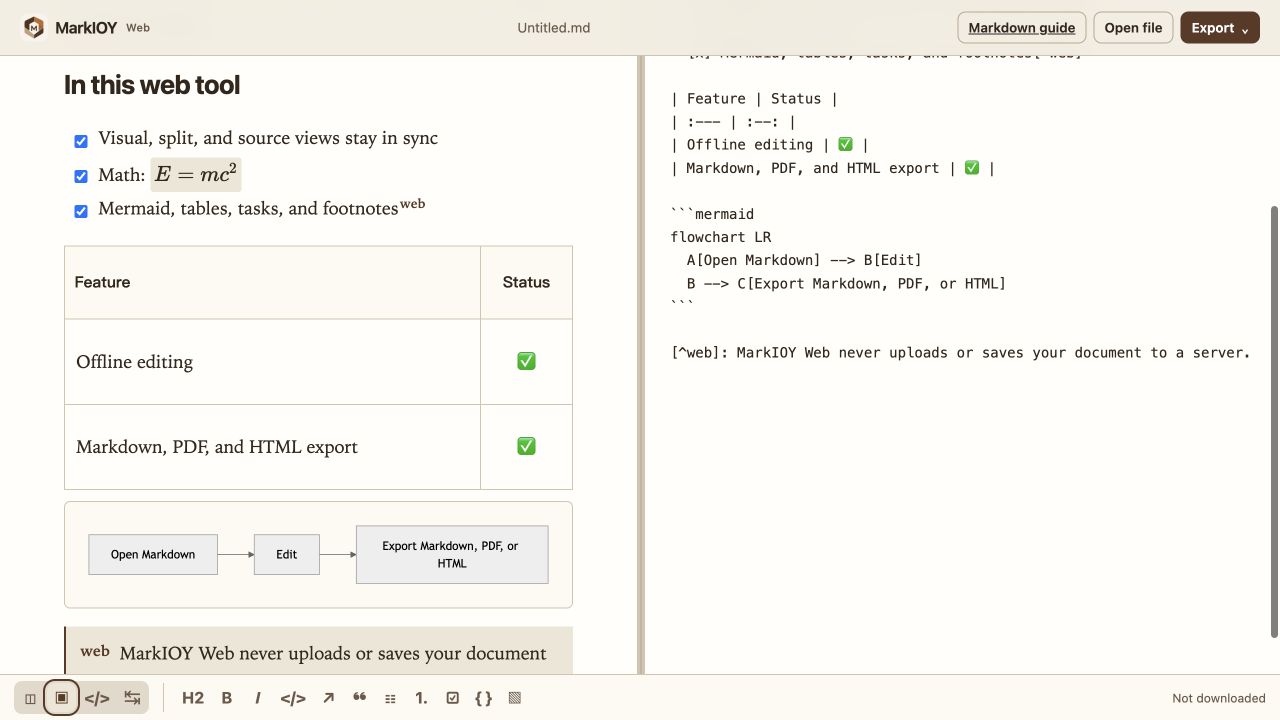
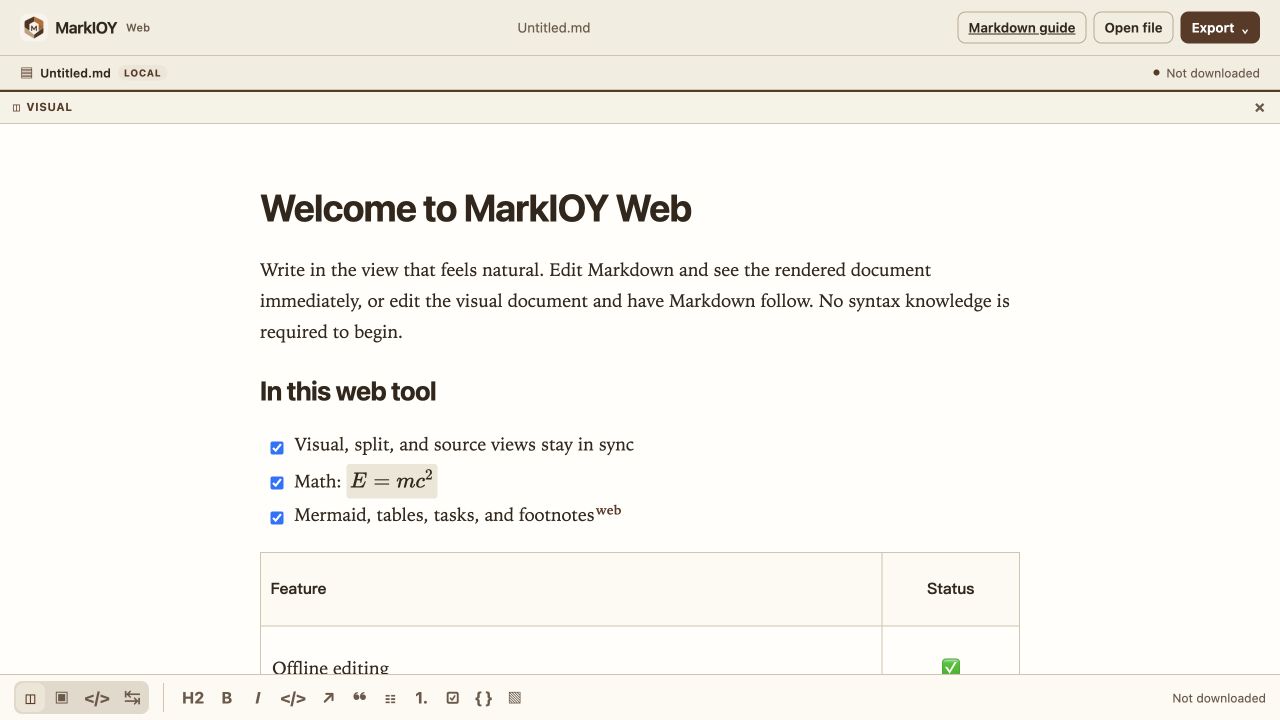
Use the visual page when you want to write naturally. Open source when you need exact Markdown control.
Start by editing what you see. Headings, lists, tables, formulas, and diagrams become structured Markdown as you work.
Your .md file can move into Git, a knowledge base, an AI workflow, or another editor without being trapped.
Use visual editing when you want to focus on words and layout. Switch to Markdown whenever you want to see or refine the structure. Both views stay current.
MarkIOY Web lets anyone shape a document without learning Markdown first, while keeping the source visible and portable whenever it matters.
MarkIOY is available for macOS, iPhone, and iPad. Work with local Markdown files, turn a selected image into Markdown, and export your document when it is ready.
macOS
A file-aware writing desk for focused, structured work.
iPadOS
A document flow that can begin with the page in front of you.
Available on the App Store
A practical guide to syntax, symbols, good structure, and why an editable, portable source still matters in the AI era.
Read the Markdown guideEdit a local document visually, then keep the Markdown whenever you need it.
Open Web editor